Description
- Instructions: 产品说明:
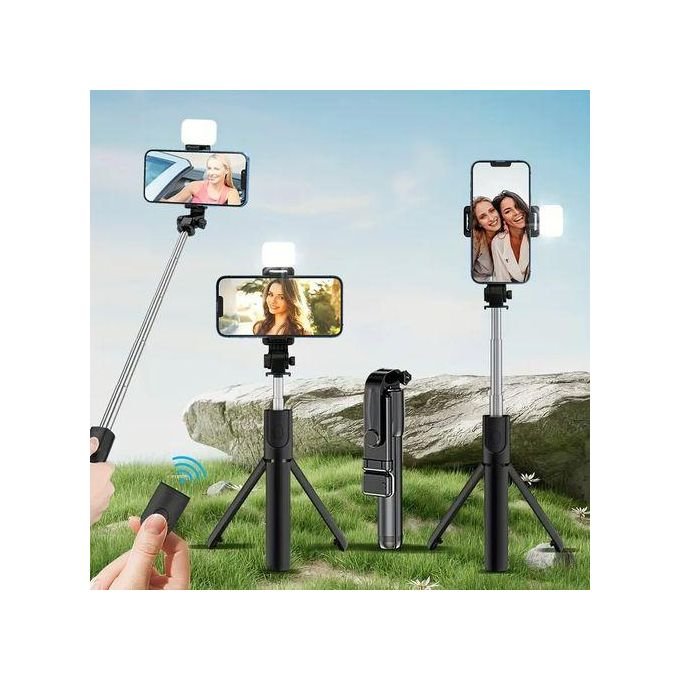
- 1. Long press to turn on the remote control switch. The blue indicator light of the remote control flashes.1. 长按打开遥控开关。遥控器的蓝色指示灯闪烁。
- 2. Turn on the phone’s Bluetooth, search for new devices, and then connect.2. 打开手机的蓝牙,搜索新设备,然后连接。
- 3. After the pairing and connection are completed, open the mobile phone camera software.3. 配对连接完成后,打开手机摄像头软件。
- 4. For iphone can directly press the shutter of the remote control to take pictures.4. 对于iphone可以直接按下遥控器的快门来拍照。
- 5. Most Android phones can also directly press the shutter control to take pictures.5. 大多数安卓手机也可以直接按下快门控制拍照。